



Your Testing Machine Broke Down - Now What?
It is 10 AM. Your UTM will not start. Or your MFI tester is showing values that make no sense. Or your humidity chamber is reading 35% RH when it should be 50%. Production has 200 specimens waiting for test clearance. Your customer needs the test certificate by tomorrow. If you are wondering what to do when testing machine breaks down at exactly this moment, take a breath – most of the time, the fix is faster and cheaper than it feels right now.
I have been on the receiving end of these calls for 20 years. And I can tell you that about 40% of the time, the problem is something simple that you can fix in 5 minutes without calling anyone. Another 30% requires a trained technician but not a new part. Only about 30% of breakdown calls actually need a replacement component. This is exactly the testing machine breakdown troubleshooting India labs need before picking up the phone – a way to tell in minutes whether you can fix it yourself or whether you genuinely need an engineer.
This guide covers the most common problems I see across the 5 most frequently used lab testing machines, what you can check yourself before calling, and when you definitely need to call a service engineer. Think of it as the troubleshooting guide that should have come with your machine – but probably did not. Think of this as the lab equipment repair guide India QC managers keep bookmarked, because the same five machines break down in the same handful of ways, year after year.
Before You Panic - The 3-Minute Check
Before doing anything else, check these 5 things. These five checks cover most of the testing machine common problems solutions India labs search for before assuming the worst – you would be surprised how often the problem is one of these:
- Power supply – Is the main switch on? Is the MCB tripped? Is the power socket working? (Plug your phone charger into the same socket to verify.)
- Emergency stop – Is the E-stop button pressed in? Many machines will not start with the E-stop engaged. Twist it to release.
- Fuse – Check the main fuse on the machine’s rear panel. A blown fuse is a 2-minute, ₹10 fix.
- Cable connections – Has anything been bumped or unplugged? Check the load cell connector, sensor cables, and motor cable.
- Display error code – If the controller shows an error code or message, write it down or photograph it. This is the single most useful thing you can tell the service engineer.
These five checks take 3 minutes and solve about 20% of all “machine not working” calls I receive. If your specific issue is UTM not working troubleshooting India engineers get asked about most, the table below covers the five most frequent causes in order of likelihood.
UTM Problems and What to Do
The table below covers the most common faults on a universal testing machine.
Problem | Possible Cause | Your Check | Call Engineer If… |
Machine does not start | E-stop engaged; fuse blown; MCB tripped; power socket dead | Release E-stop; check fuse; check MCB; verify socket | Machine still does not start after all checks |
Load reading drifts or will not zero | Load cell needs calibration; loose connector; electrical noise | Check load cell cable connection; power cycle the machine | Reading drifts more than 0.5% of full scale after reconnection |
Crosshead moves but load does not increase | Specimen slipping in grips; wrong grip type for material | Check grip jaw faces for wear; ensure correct grip type (roller for rubber, wedge for plastic) | Problem persists with correct grips and new specimen |
Crosshead speed is wrong | Controller setting changed; belt slip; encoder fault | Verify speed setting on controller; check drive belt tension | Actual speed differs from set speed by more than 5% |
Software shows error or freezes | Software glitch; memory full; corrupted test file | Restart software; reboot PC; clear old test files | Error persists after restart; data files corrupted |
MFI Tester Problems and What to Do
Problem | Possible Cause | Your Check | Call Engineer If… |
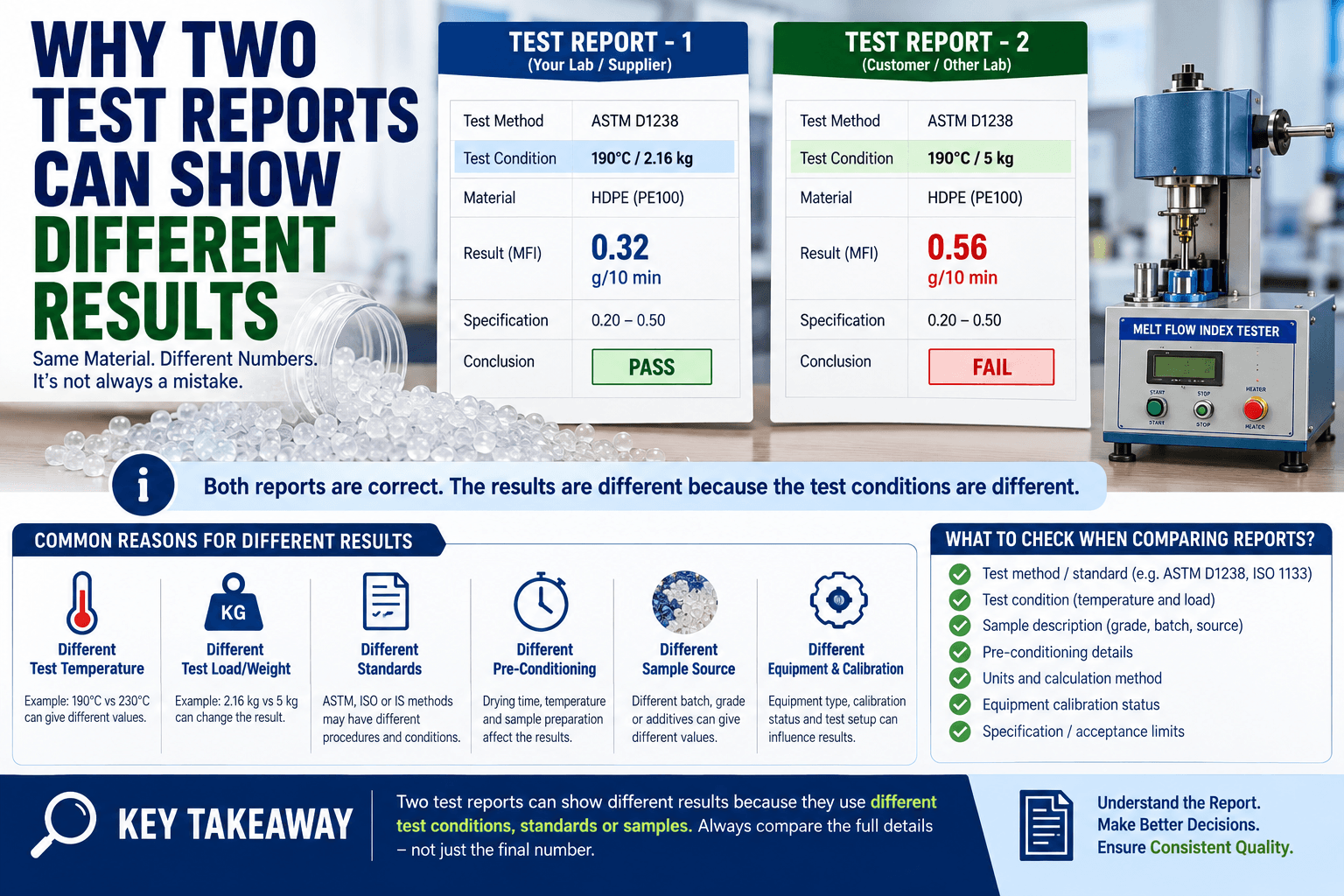
MFI values inconsistent between tests | Die clogged; temperature drift; material not homogeneous | Clean die with brass rod + cleaning material; verify temperature with external thermocouple | Inconsistency persists after thorough die cleaning |
Temperature does not reach setpoint | Heater failure; thermocouple broken; controller fault | Check if barrel feels warm after 30 min; check thermocouple connection | No heat at all; temperature display shows “OL” or error |
Piston drops too fast / too slow | Wrong weight selected; die bore worn; material contamination | Verify correct weight for your standard; clean die bore | Die bore measures oversized (check with pin gauge) |
Material sticks in barrel | Barrel not hot enough; wrong cleaning procedure; degraded polymer | Ensure barrel is at setpoint before loading; use proper cleaning cycle | Stuck material that cannot be removed with normal cleaning |
Impact Tester Problems and What to Do
Problem | Possible Cause | Your Check | Call Engineer If… |
Energy reading lower than expected | Bearing friction increased; pendulum not swinging freely | Free-swing test: release pendulum with no specimen. Friction loss should be <1% of capacity | Friction loss exceeds 1% of rated capacity |
Specimen does not break | Wrong pendulum capacity for material; specimen too tough | Use lower-capacity pendulum; check specimen dimensions vs standard | Correct pendulum selected but specimen still does not break |
Pendulum does not release | Release mechanism stuck; trigger solenoid fault | Clean release mechanism; check electrical connection to solenoid | Mechanism physically stuck or solenoid does not click |
Humidity Chamber Problems and What to Do
Issues with a humidity chamber usually trace back to one of these four causes.
Problem | Possible Cause | Your Check | Call Engineer If… |
RH reading low or unstable | Door gasket leaking; water reservoir empty; atomiser blocked | Check gasket for cracks; refill water; clean atomiser nozzle | RH still unstable after gasket check and water refill |
Temperature not reaching setpoint | Heater failure; sensor drift; door not sealing properly | Check door seal; verify displayed temp with external thermometer | Temperature error exceeds ±2°C from setpoint |
Water on the floor around chamber | Drain hose blocked; reservoir overflow; condensation from gasket leak | Check drain hose; inspect gasket; check water level | Leak persists after clearing drain and checking gasket |
Fan noise or vibration | Fan bearing worn; fan blade hitting obstruction | Open chamber (when cool); check for debris near fan | Grinding noise continues; fan does not spin freely |
Hardness Tester Problems and What to Do
Problem | Possible Cause | Your Check | Call Engineer If… |
Readings inconsistent | Specimen surface not flat; indenter worn; wrong scale selected | Check specimen flatness; verify correct scale (Shore A vs D); take 5 readings at different points | SD of 5 readings exceeds 2 points on a flat, uniform specimen |
Display shows error | Battery low (portable); sensor fault (bench model) | Replace battery (portable); power cycle (bench) | Error persists after battery/power reset |
When to Fix It Yourself vs When to Call a Service Engineer
| Fix Yourself | Call the Engineer |
| Blown fuse – replace with same rating | Load cell reading drifts after reconnecting cables |
| E-stop engaged – release and restart | Temperature controller shows error code after power cycle |
| MFI die needs cleaning – brass rod + cleaning material | MFI die bore is physically worn (enlarged diameter) |
| Humidity chamber water reservoir empty – refill | Humidity chamber gasket is cracked or compressed flat |
| Loose cable connector – reseat firmly | Motor does not run after all electrical checks |
| Software freeze – restart PC and software | Data files corrupted or calibration constants lost |
| Wrong test settings – check and correct parameters | Physical damage to mechanical components |
When you do need to call a service & repair engineer, here is how to get the fastest possible response: Whether it is an MFI tester inconsistent values fix India factories need urgently or a simpler UTM issue, giving us this detail upfront is what gets an engineer to the right diagnosis fastest.
- Call, do not email – for breakdowns, a phone call gets faster action than an email. WhatsApp is even better because you can send photos and videos.
- Describe the problem specifically – “UTM load reading drifts by 2% after zeroing” is actionable. “UTM not working properly” is not.
- Send a photo of the error message or display – this alone can cut diagnosis time in half.
- Know your machine’s make, model, and serial number – this helps the engineer prepare the right tools and parts before the visit.
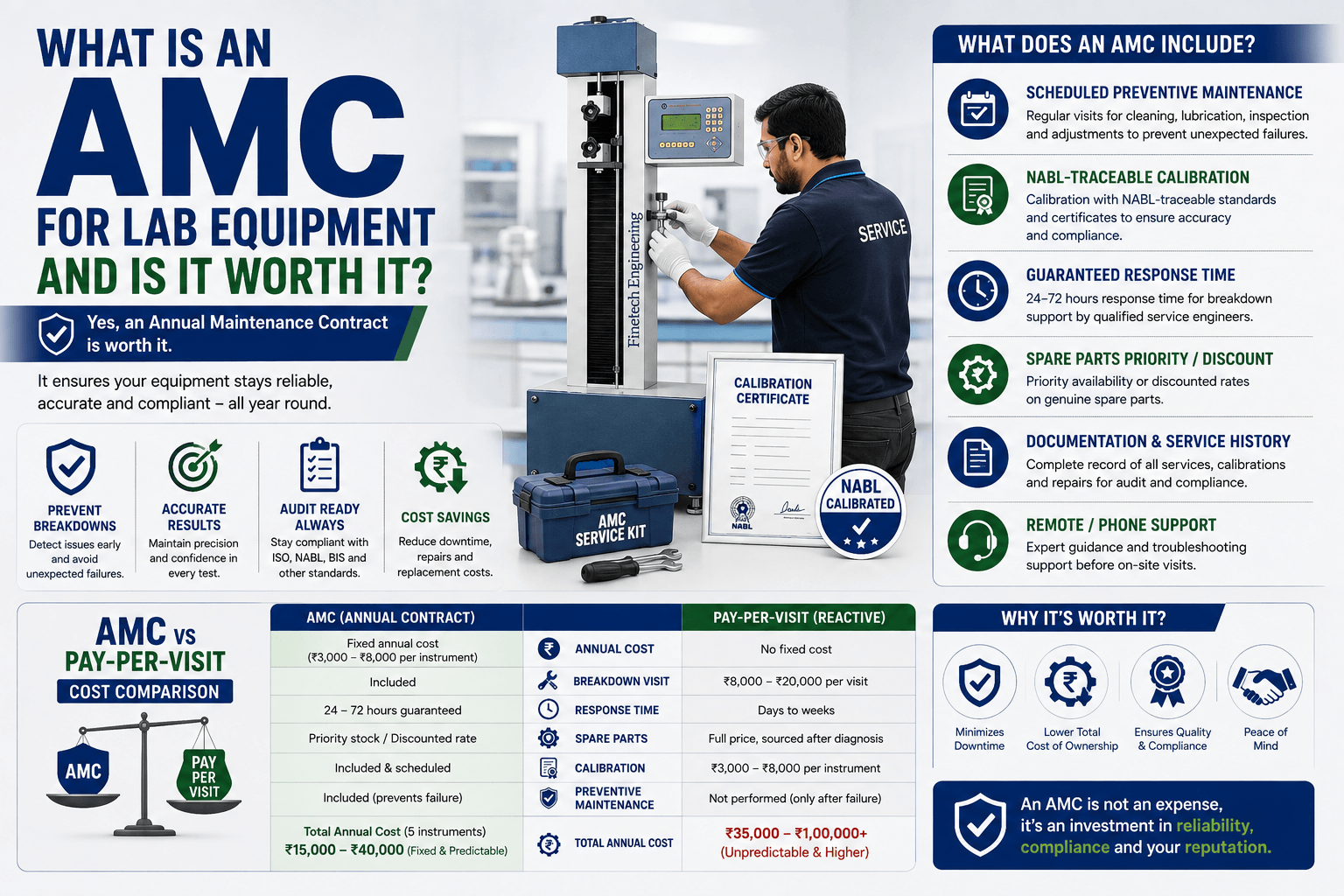
- Have an AMC – AMC customers get priority scheduling. If you do not have one, ask about it when you call.
Most lab equipment problems are not catastrophic. They are simple issues – a blown fuse, a clogged die, a tripped MCB, a loose cable – that feel catastrophic because the lab is down and production is waiting. The 3-minute check and the troubleshooting tables in this guide will help you identify and fix the simple problems yourself, and communicate the complex ones to your service engineer quickly and clearly. Knowing when to call service engineer lab equipment India situations actually require – rather than attempting a fix you are not equipped for – is half the battle.
And if you want to prevent most of these problems from happening in the first place, consider an annual maintenance contract. A ₹15,000–30,000 annual contract that catches problems before they cause downtime is almost always cheaper than a single emergency service call.
Finetech Engineering provides service, repair, and AMC for all types of laboratory testing equipment, from all manufacturers. Manufacturer, not trader – we build these machines ourselves, which is exactly why our engineers can diagnose root causes instead of just swapping parts. Whether it is a Finetech machine, an imported UTM, or another Indian manufacturer’s MFI tester – one call to us covers your entire lab. An impact tester reading low energy fix India customers often assume is a pendulum problem turns out, more often than not, to be simple bearing friction – exactly the kind of thing our engineers check first.
Machine down? Call now: +91 93241 37971 (phone or WhatsApp). Send a photo of the problem for the fastest diagnosis.
– Santhosh Kumar VP, Founder & Managing Partner, Finetech Engineering